Build Your Stable and Care for Your Horses
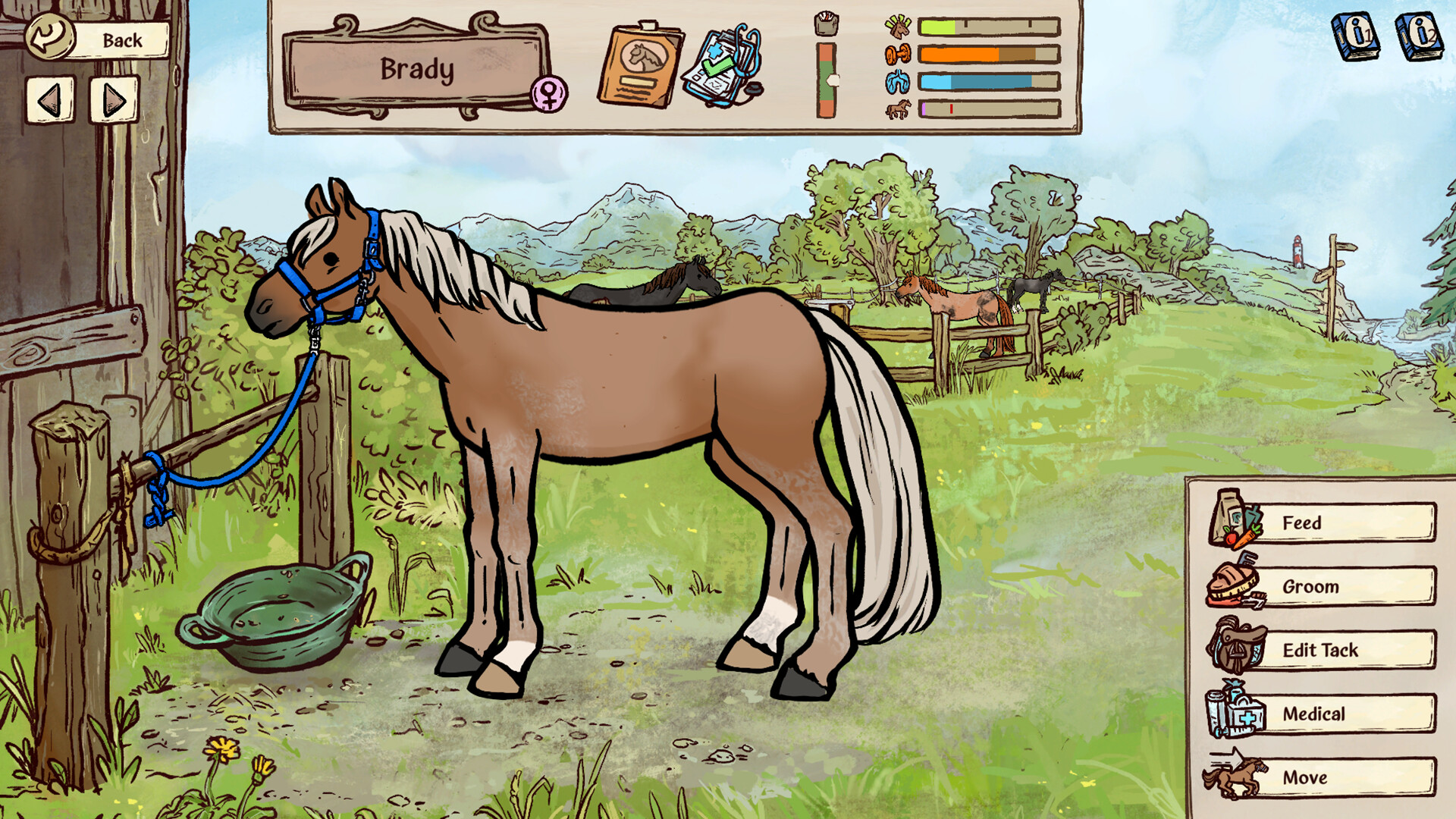
Horses of Hoofprint Bay is a hand-drawn 2D simulation by Thogli Studios in which you care for horses, train for competitions and turn a run-down stable into your own stud farm. Start on Steam with the free demo or the released full game for Windows and SteamOS/Linux.
Recognize the Right Game
When opening the store entry, check for Horses of Hoofprint Bay and developer Thogli Studios. The listed genres are Casual, Simulation and Sports, and Steam identifies the game as single-player. Its publishing credits name The Mane Quest, with FinPlay listed for China and Japan.
Your starting point is a plot of land, a run-down stable and your trusted mare. Training prepares your horse for tournaments in the nearby town, while your larger aim is to turn that modest yard into a stud farm. Horse care, competition and expanding your facilities are all parts of developing that starting property.
Start Playing Through Steam
- Open the Horses of Hoofprint Bay Steam page to reach the released full game and its downloadable demo.
- Check the listed system requirements for your operating system so you can compare your PC with the supported Windows or SteamOS/Linux release.
- Install the free Steam demo if you want to try caring for horses and developing your yard before purchasing the full game.
- Purchase the full Steam game when you are ready to develop your stable without the demo's in-game day limit.
Choose the Demo or the Full Game
The free demo gives you a way to try the game before committing to a purchase. The October demo is limited to 25 in-game days and was rebalanced to represent the opening of the full game more closely. Use that time to decide whether looking after horses, training them and growing a yard is the experience you want.
The paid full game launched on Steam on November 4, 2026, and has no in-game day limit. Saves from the October demo are compatible with the full game, while saves from the February demo are not. If you have already played a demo, check which version your save comes from before deciding where to continue.
The full release is a finished game rather than an Early Access version. The developers have not promised a roadmap of major content additions, although they intend to address bugs and minor requests as needed. Base your purchase on the horse care, training, breeding and stable development already offered.
Check Your PC Before Downloading
For Windows, the listed minimum operating system is Windows 10 version 21H1 (build 19043) or newer. The processor line lists x86 and x64 architecture with SSE2 instruction set support, alongside Arm64. Compare these details with your machine before choosing the Windows version.
For Linux, the listed operating systems are SteamOS, Ubuntu 22.04 and Ubuntu 24.04. The Linux processor requirement is x64 architecture with SSE2 instruction set support. Check the system requirements on the Steam page when comparing your setup, and use the Windows or SteamOS/Linux release as your supported starting route.
What Your Yard Can Grow Into
Your responsibilities begin with the horses themselves. Grooming and hoof care help prevent saddle sores and abscesses, while scrapes and injuries need appropriate treatment when they happen. Make learning those care interactions your foundation before setting your sights on a larger herd.
Training develops your horse's strength and confidence so it can qualify for competitions and earn prize money. Show jumping and cross country provide competitive goals, while trail rides offer forest, beach and mountain scenery. Try the trails when you want a change of pace from working toward competition results.
Building upgrades create space for more horses and help you meet their needs as the yard grows. Staff can help with care and training, while breeding produces foals that inherit a mix of their parents' coloring, white patterns and personality traits. Choose whether competition, breeding or expanding the yard most appeals to you, and let that preference give your early play a direction.
Customizing your character and tack is another part of making the stable feel like your own. Built-in color tools let you change their appearance, while accessible textures and text files allow further changes to horses and characters. You can use the included selection of customization items and color combinations, or explore those files when you want to create your own palettes.
Make Your First Sessions Comfortable
Adjust the difficulty if competitions become frustrating. You can experiment with easier competitions or increased prestige gain, and the auto-jump accessibility setting can help if jumping is difficult. Try those options while learning rather than feeling you must master every riding challenge immediately.
English is included in the game's supported languages on Steam. The in-game library covers equestrian knowledge about both the game and real horses. Use it when an unfamiliar care or training term interrupts your progress. Steam also lists Save Anytime, custom volume controls and camera comfort among the game's features, so consider those options as you settle into managing your stable.